Importing Certificates and Keys
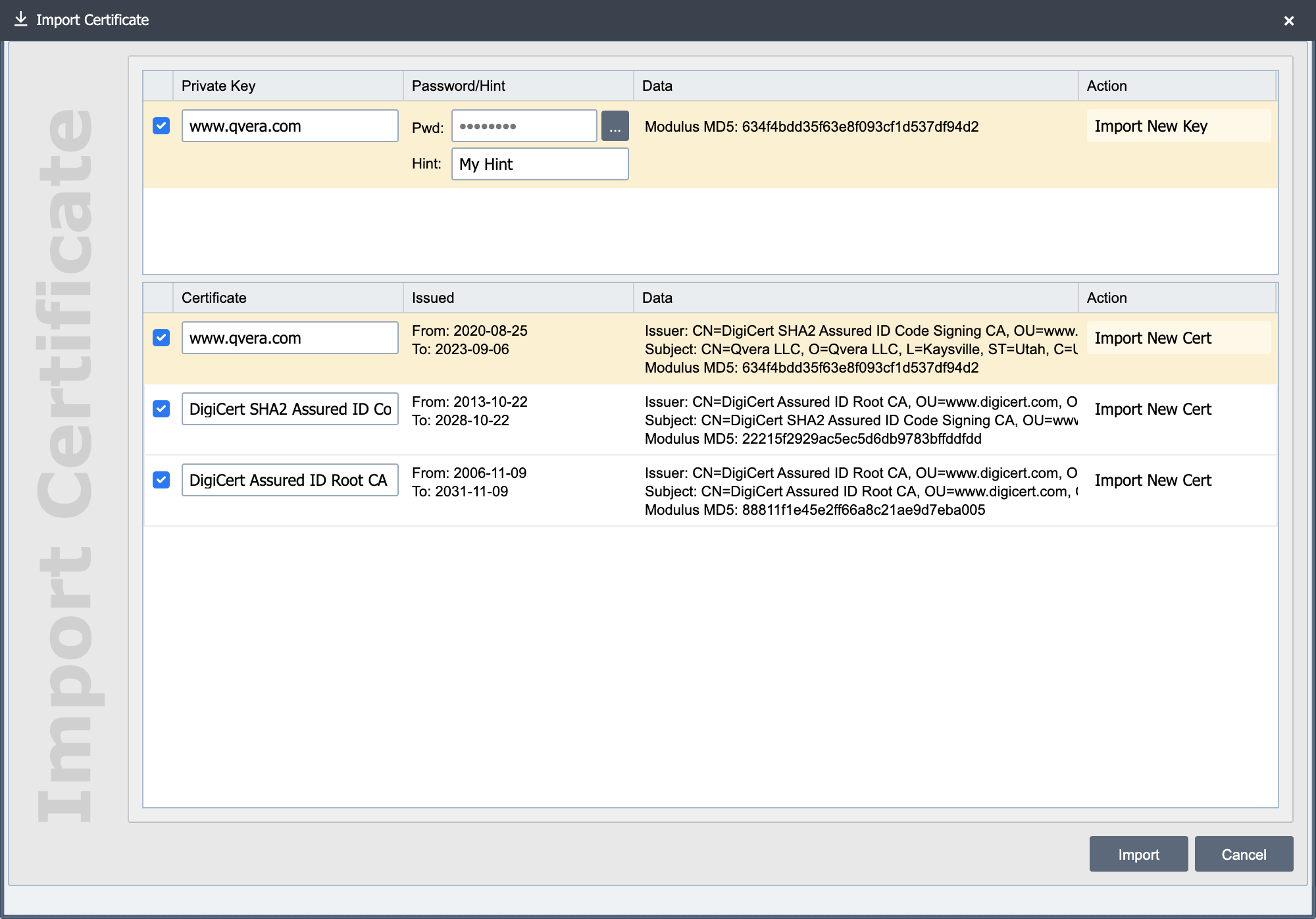
QIE has the ability to import keys and certificates from a variety of formats. To import a key or certificate, just select the Import button at the top of the certificates page. When importing keys you are required to supply a password that is used to encrypt the key in QIE. You also supply an alias for each key and certificate that you import. The alias must be unique. If you import a key/certificate and give it the same alias as an existing key/certificate, the existing key/certificate is overwritten with the imported file.
Supported Formats
| Extension | Contents |
|---|---|
.jks |
Java KeyStore holding keys and certificates |
.p12, .pfx |
PKCS#12 keystore holding keys and certificates |
.p7b, .p7c |
PKCS#7 certificate chain |
.cer, .crt, .pub |
A single X.509 certificate |
.pem, .key, .der |
A private key in PKCS#1, PKCS#8, SEC1, or OpenSSH format |
| No extension | A private key in any of those formats |
Enter the passphrase that protects the file in the Password field on the upload step. QIE uses it to read encrypted PKCS#1, PKCS#8, and OpenSSH private keys.
RSA, ECDSA, ed25519, and ed448 private keys all import. An imported key is usable for SFTP key authentication, and for TLS once you attach the certificate issued for it.
Note
ssh-keygen writes the OpenSSH format by default from OpenSSH 7.8 onward, and names the file with no extension. A key generated that way imports directly, with no conversion step and no need to rename the file.
Note
QIE generates new private keys as RSA only. To use another key type, generate it outside QIE and import it here.
The signature algorithm offered when you request a CSR or a self-signed certificate follows the key you select: an RSA key offers the RSA algorithms, an ECDSA key offers the ECDSA algorithms, and an ed25519 or ed448 key offers only its own. A key can sign only with an algorithm from its own family, so QIE rejects a request that pairs the two incorrectly.