Custom Script
Custom Script is the mapping function for work no built-in function does. It is also what you get when you take any other mapping function and check Customize Script, so it is less a separate function than the escape hatch every function shares.
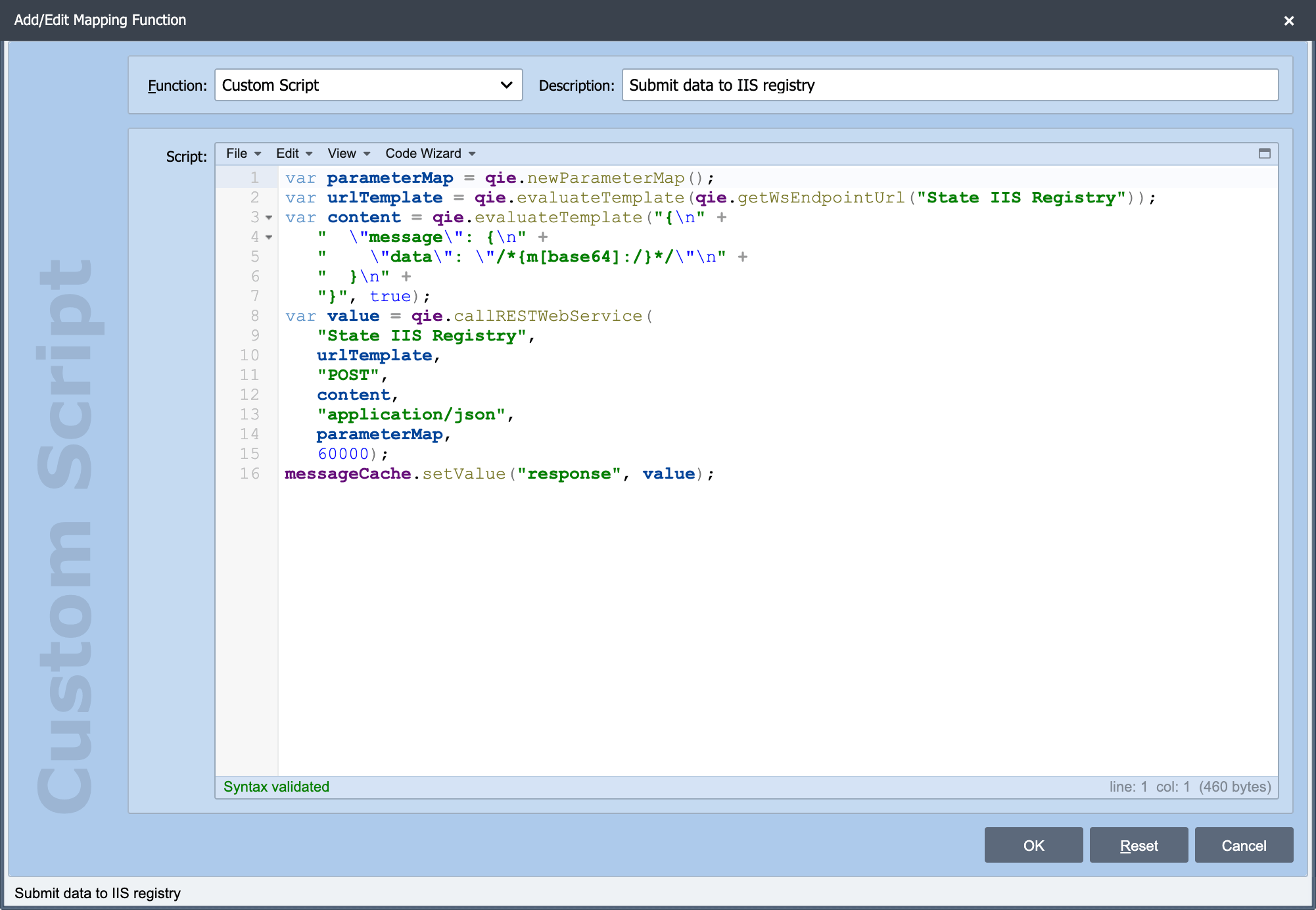
Custom Script sits on the Add/Edit Mapping Function dialog alongside the built-in functions. The shared Source, Node Path, Target and Apply Condition settings still apply. See Working with Mapping Functions, but the script decides what actually happens, so Source and Target become a convenience rather than the mechanism.
Two ways to arrive here
Start from a built-in function. Configure the closest built-in function, check Customize Script, and edit the generated script. This is usually the better route: the generated code already reads the source value and writes the target correctly, so you are editing working code rather than writing it from nothing.
Start empty. Choose Custom Script and write the whole thing. Right when nothing built-in is close.
Customizing a script is one-way
Once Customize Script is checked, the function keeps the script you edited. It no longer regenerates the script when you change Source, Node Path or Target. Those fields become documentation rather than configuration. If you later need the generated behavior back, unchecking the box replaces your edits.
Writing the script
The script is JavaScript running in QIE's Rhino engine, with the standard bindings available: message, source, messageCache, channelCache, sharedCache, qie, and the utility libraries. See:
- Creating Custom Scripts for how scripts are structured and what is in scope
- The JavaScript Editor for the editor, the Code Wizard, and testing a script against a sample message
- Common Scripting Pitfalls before writing anything non-trivial
- Recipes for worked examples of the things people most often need a script for
When not to use it
A custom script is harder to maintain than a configured function: it does not appear in the mapping grid as a legible description, it is not covered by Find Usages the way a connection reference is, and the next person has to read code rather than a dialog. Before writing one, check whether a built-in function plus Apply Condition does the job, a condition on a Standard mapping handles a surprising share of "a script is needed for this" cases.