External Libraries
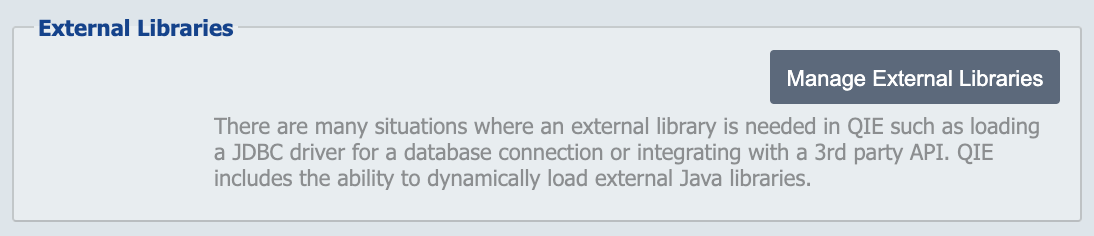
There are many situations where dynamically loading an external library is needed in QIE such as loading a JDBC driver for a database connection or integrating with a third-party EMR web service client. QIE includes the ability to dynamically load external Java libraries.
Click the Manage External Libraries button to display the dialog.
Manage External Libraries
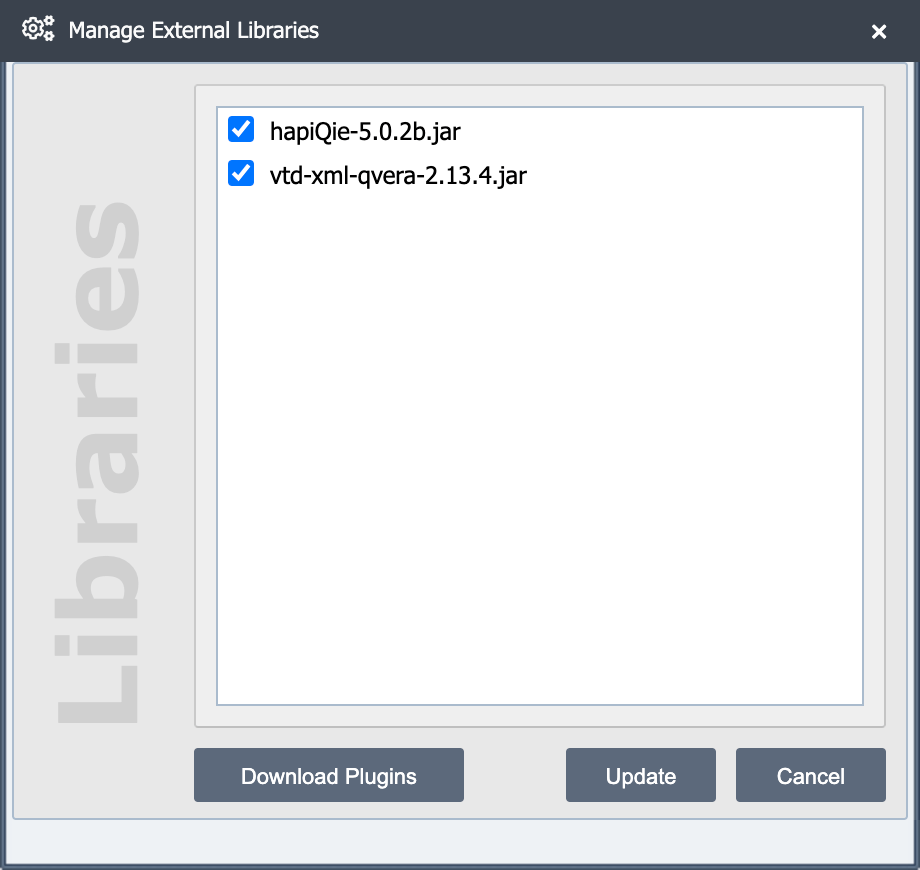
By default, QIE expects external Java libraries to be installed in a folder called lib under the QIE home directory (ProgramData\QIE\lib). If the folder location must be changed, the new location should be specified in Java Arguments associated with the QIE Service Manager (refer to the QIE Install Guide for more information on adding Java Arguments).
Loading Dependent Libraries
In many cases, a Java library to be loaded is dependent on other Java libraries that must also be loaded. While each of these libraries could be added to the external libraries folder and then manually selected in the Manage External Libraries dialog, QIE can be configured to load a group of dependent libraries together. To do this, simply create a folder under the external libraries folder and add all dependent libraries to that folder. When a folder is selected in the Manage External Libraries dialog, all libraries contained in that folder are loaded.
Optimizing Performance for Large XML Messages
When doing extensive processing of XML files, you may want to use the alternate XML parsing engine to improve performance. The default DOM implementation that comes with Java is slower and uses more memory.
To use the fast xml parsing engine:
-
Click the Download Plugins button and then click Download next to the vtd-xml-qvera plugin row.
-
Select the checkbox next to the
vtd-xml-qverajar file.
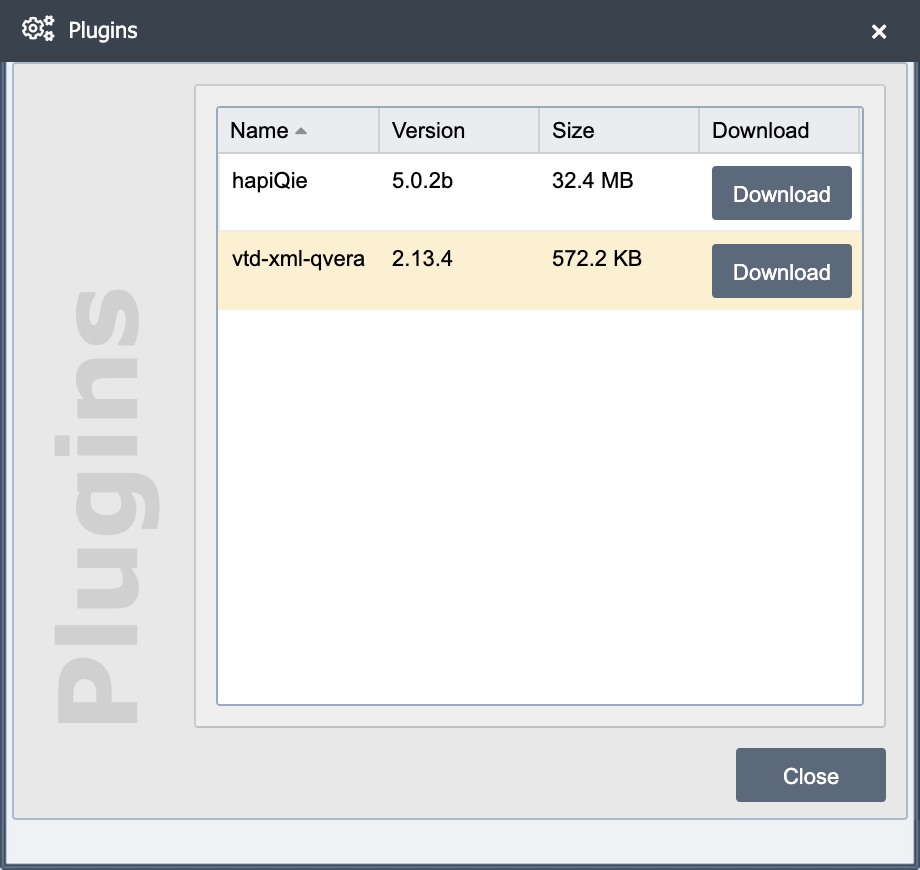
- Select Update and then restart QIE.
Note
This JAR file is freely distributed by SourceForge.net. Qvera has modified the SourceForge.net VTD JAR file to handle XPath expressions consistent with the default JRE DOM implementation. As per the terms of the GPL license under which this JAR file is distributed, the vtd-xml-qvera-2.11.3.jar source code is freely available upon request.
Applying Changes to the External Libraries Configuration
When changes to the external libraries configuration are made, the QIE service must be restarted before those changes take effect. Click the Update button then Yes to restart the QIE service.