New Output Message
New Output Message replaces the output message with an empty message in a different format. It is how a channel changes format mid-stream: HL7 in, JSON out; a CSV file in, XML out.
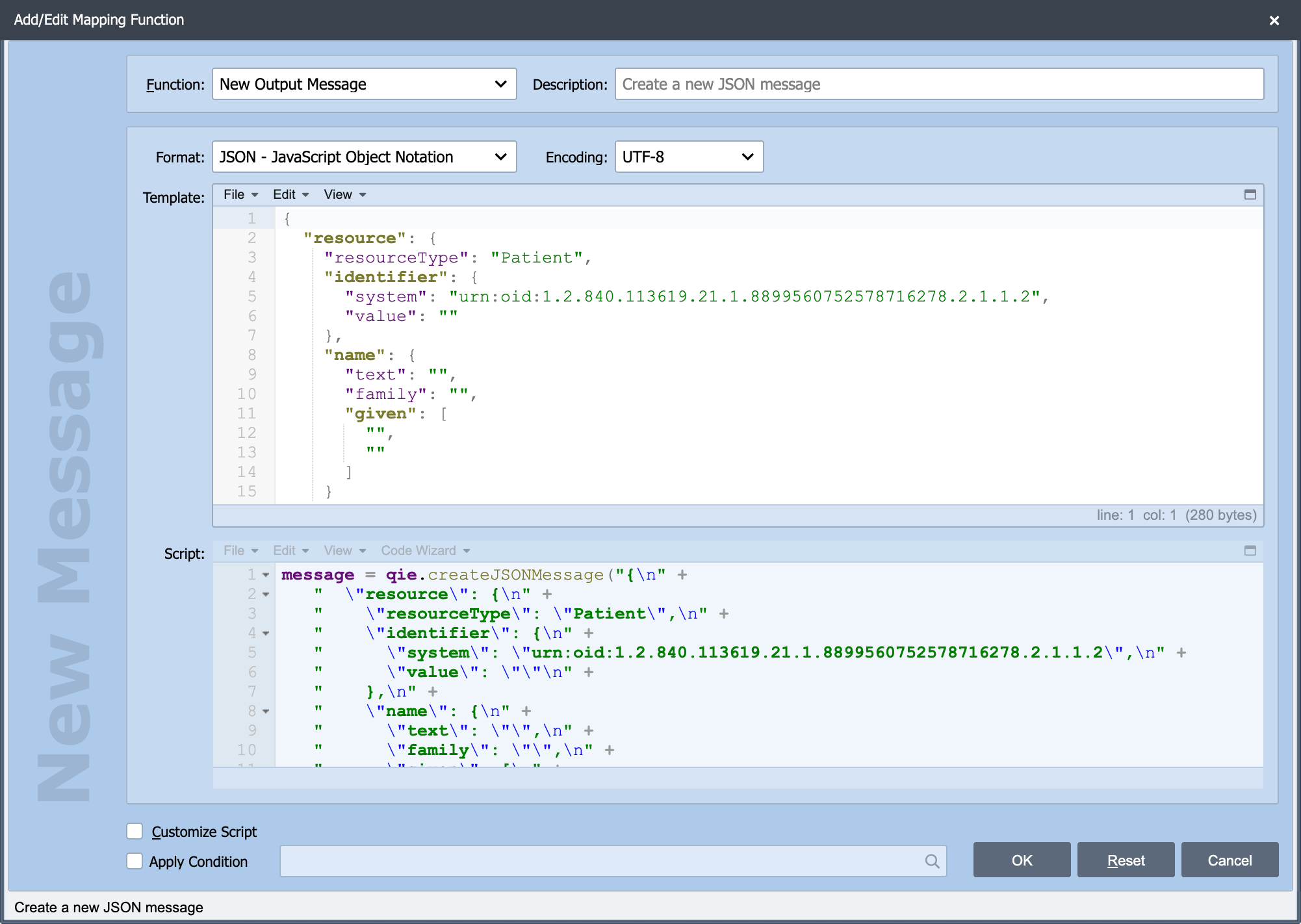
New Output Message is one of the built-in mapping functions on the Add/Edit Mapping Function dialog. The shared settings are described in Working with Mapping Functions; the setting specific to this function is below.
This discards the current output message
The function creates a new, empty output message. It does not convert the existing one. Every value the new message needs has to be mapped into it by the mapping functions that follow. Put New Output Message first in the node, before the mappings that populate it; a mapping that runs before it writes into a message that is about to be thrown away.
The original received message is still available throughout, as source. See the Source Object. That is where the mappings after this function should read from.
Format
Format: The format of the new output message, chosen from the drop-down. See Supported Message Formats for what each format is and how it is structured.
Note
XML and JSON require a template, because an empty document has no structure to map into. For XML the template must contain at least a root node (<root/>). Formats that are inherently flat or segment-based do not need one.
A typical node order
A mapping node that converts HL7 to JSON usually reads:
-
New Output Message: format JSON, with a template.
-
A Standard mapping function per field, each reading from
source(the original HL7) and writing into the new JSON message.
If a converted message comes out empty, check this order first: mappings that run before New Output Message populate the old message, which is then replaced by the new empty one, so their work is discarded with it.
Related
- To convert HL7 to JSON by filling in a template rather than mapping field by field, see Converting HL7 to JSON with a Template.
- To build a new message from a script instead, see Building a New Output Message.