Format Date/Time
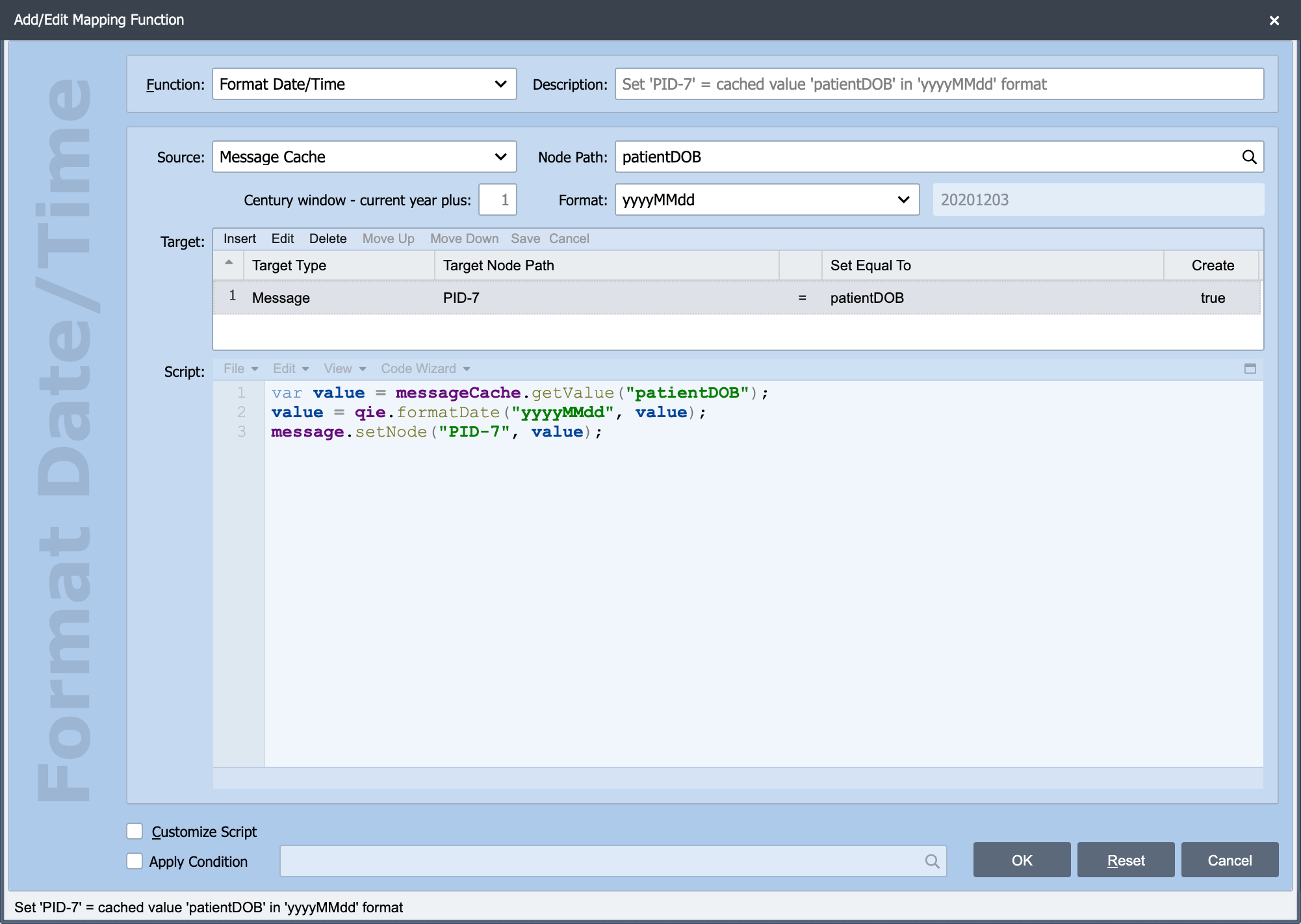
The data/time mapping function is used to reformat a date or date/time value.
Format
Date and time formats are specified by date and time pattern strings. Within date and time pattern strings, unquoted letters from 'A' to 'Z' and from 'a' to 'z' are interpreted as pattern letters representing the components of a date or time string. Text can be quoted using single quotes (') to avoid interpretation. Two single quotes together ('') represent a single quote. All other characters are simply copied into the output string during formatting. The following pattern letters are defined (all other characters from 'A' to 'Z' and from 'a' to 'z' are reserved):
| Letter | Component | Presentation | Examples |
|---|---|---|---|
| G | Era designator | Text | AD |
| y | Year | Year | 1996; 96 |
| M | Month in year | Month | July, Jul; 07 |
| w | Week in year | Number | 27 |
| W | Week of month | Number | 2 |
| D | Day in year | Number | 189 |
| d | Day in month | Number | 10 |
| F | Day of week in month | Number | 2 |
| E | Day in week | Text | Tuesday; Tue |
| a | AM/PM marker | Text | PM |
| H | Hour in day (0-23) | Number | 0 |
| k | Hour in day (1-24) | Number | 24 |
| K | Hour in am/pm (0-11) | Number | 0 |
| h | Hour in am/pm (1-12) | Number | 12 |
| m | Minute in hour | Number | 30 |
| s | Second in minute | Number | 55 |
| S | Millisecond | Number | 978 |
| z | Time zone | General time zone | Pacific Standard Time; PST; GMT-08:00 |
| Z | Time zone | RFC 822 time zone | -0800 |
| X | Time zone | ISO 8601 time zone | -08; -0800; -08:00 |
The following are some examples of common date/time formats.
| Format String | Result |
|---|---|
| yyyyMMdd | 20120704 |
yyyyMMddHHmmss.SSS |
20120704140856.235 |
| yyyy-MM-dd | 2012-07-04 |
| yyyy-MM-dd HH:mm:ss | 2012-07-04 14:08:56 |
| yyyy-MM-dd'T'HH:mm:ss.SSSZ | 2012-07-04T14:08:56.235-0700 |
| yyyy-MM-dd'T'HH:mm:ss.SSSXXX | 2012-07-04T14:08:56.235-07:00 |
| yyyy.MM.dd G 'at' HH:mm:ss z | 2012.07.04 AD at 14:08:56 PDT |
| yyyyy.MMMMM.dd GGG hh:mm aaa | 02012.July.04 AD 02:08 PM |
| yyDDD | 12186 |
| EEE, MMM d, ''yy | Wed, Jul 4, '12 |
| EEE, d MMM yyyy HH:mm:ss Z | Wed, 04 Jul 2012 14:08:56 -0700 |
| h 'o''clock' a, zzzz | 2 o'clock PM, Pacific Daylight Time |