Code Wizard
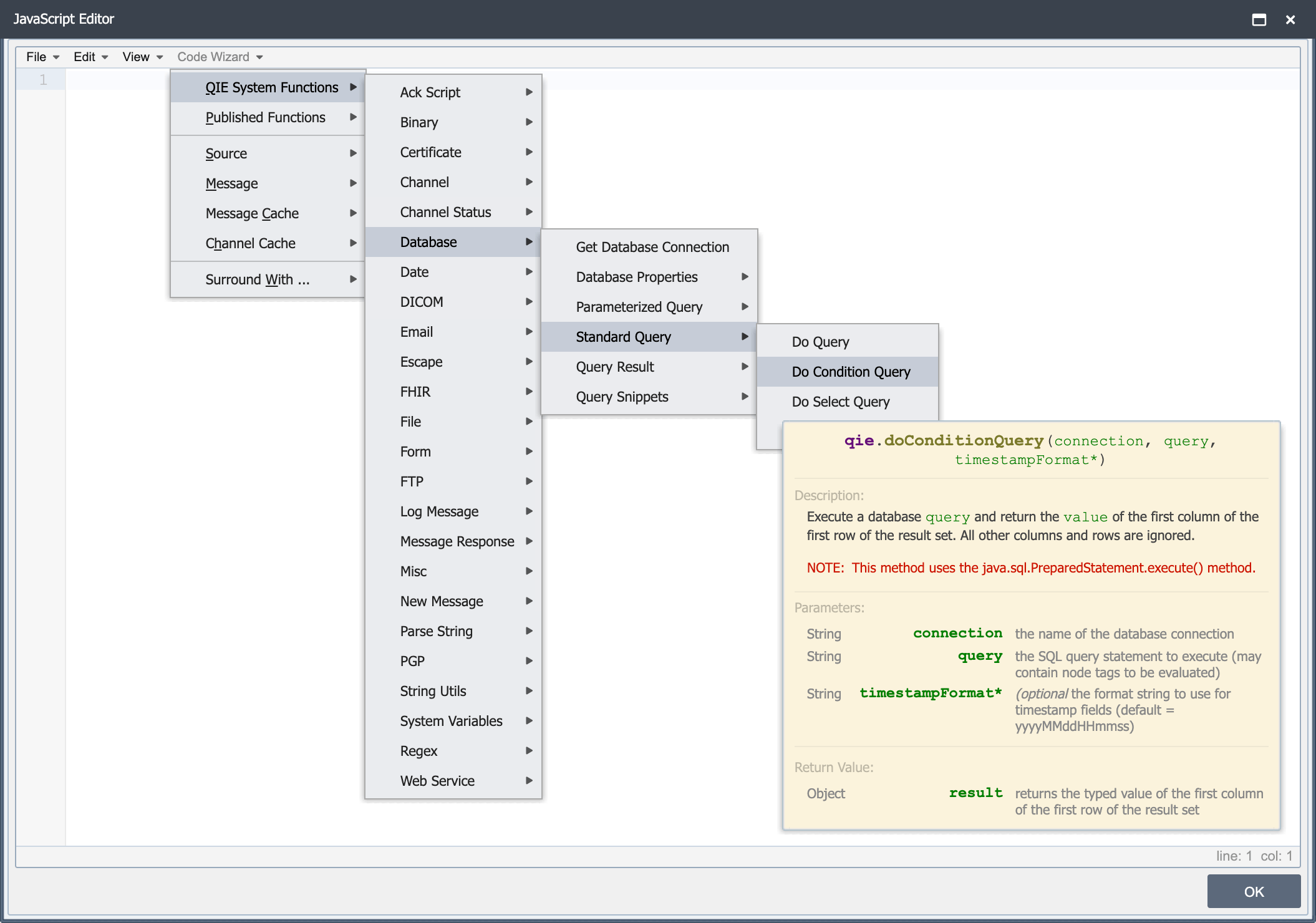
To facilitate accessing standard objects, built-in functions and common JavaScript constructs, QIE includes a Code Wizard menu which documents available objects, functions and constructs. When an item from the Code Wizard menu is selected, the function or construct is automatically added to the current script with sample parameters and suggested values. Where an asterisk (*) appears next to a parameter, that parameter is optional.
To access the Code Wizard, insert or edit a custom mapping function and select the Code Wizard menu.
Code Wizard functions are grouped by category. To view a code snippet or add the function to a script, first select a category, then highlight the selection from the displayed list and use the mouse to hover over the selection. The snippet is displayed. To add it to the script click to select or press enter.
The full reference for QIE functions is also available outside the Code Wizard menu. In the help documentation, open Channels -> Scripting -> Code Wizard -> Function Reference to browse every function with its signature, description, parameters, return value, and example code, or search for a function by name. Java options have their own reference under System Administration -> All Java Options.
The Function Reference uses its own set of categories, organized for browsing and search rather than mirroring the Code Wizard menu. A function's category in the reference is therefore not always the menu it appears under in the script editor. The messageCache, sharedCache, and channelCache objects each have their own menu in the editor, but the reference groups all three under a single Caches category. The Function Reference landing page lists every current category.