Global Error Handling
How QIE reacts when a channel errors: the script that runs system-wide, and the default thresholds that decide when a message goes to the error queue and when a channel stops. These are Advanced Settings on the System Configuration page, and they are defaults. Any channel can override them.
For the alert emails these errors produce, and the handler that all alert email passes through, see Alerts.
Global Error Handler Script
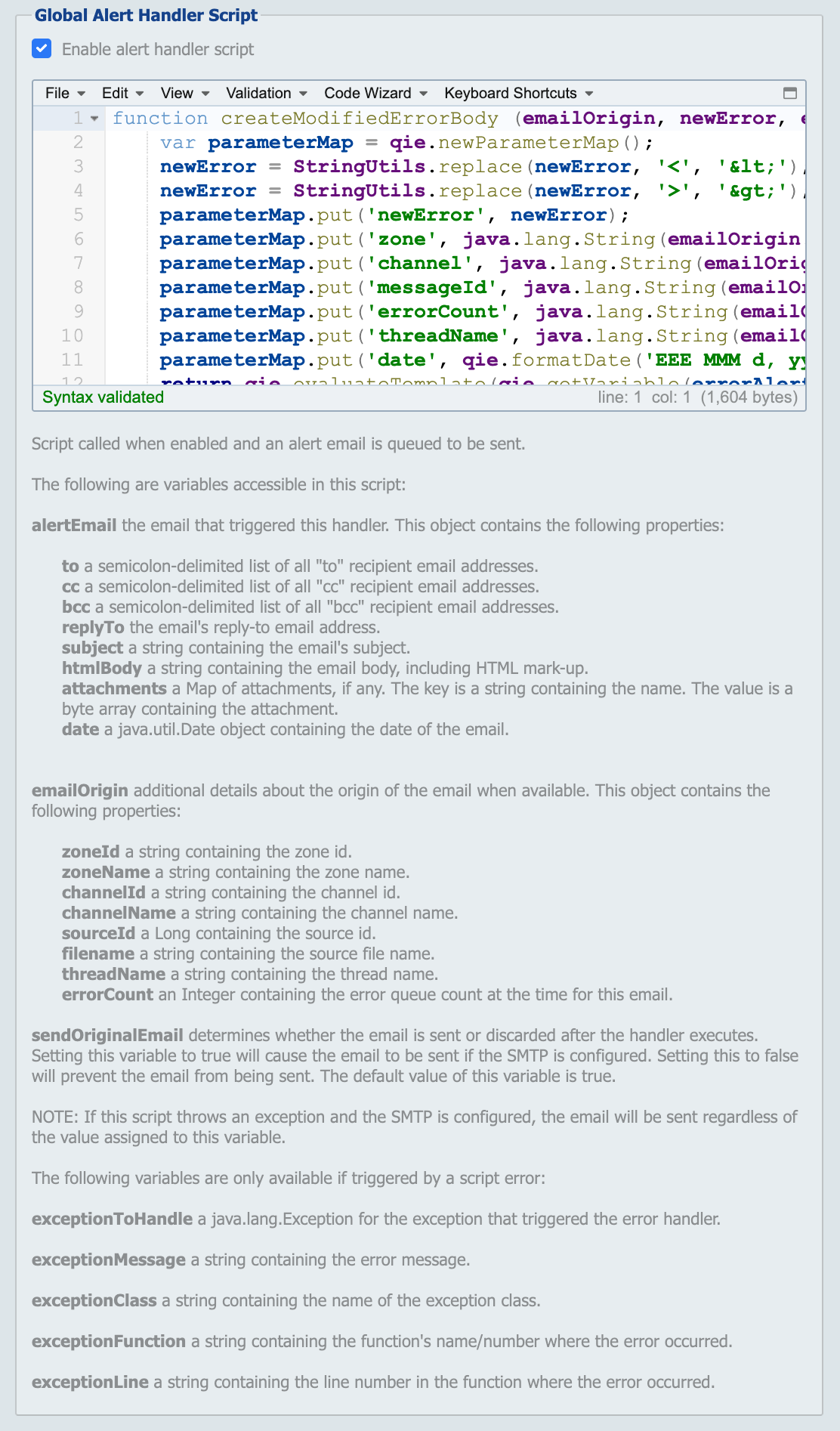
This script runs when any channel processing a message throws an exception from a mapping or condition node. Use it as a system-wide final checkpoint for handling errors (e.g. to log details to an external system, adjust the message, or discard the message so no entry is added to the error queue).
Enable the script with the Enable error handler script checkbox.
Any of the following triggers this error handler:
- Unexpected errors
- A
throwstatement message.error()
Note
If the channel-level Channel Error Handler Script is enabled, that script runs first. If the channel error handler handles the error and discards the message, the Global Error Handler Script is not executed. To view the Channel Error Handler Script, navigate to the channel, then select Source -> Error Handler.
The following variables are bound into the script:
messagePath: a string containing the message path up to where the error occurred.zoneId: a string containing the zone id the error originated from.zoneName: a string containing the zone name the error originated from.channelId: a string containing the channel id the error originated from.channelName: a string containing the channel name the error originated from.exceptionToHandle: ajava.lang.Exceptionfor the exception that triggered the error handler.exceptionMessage: a string containing the error message.exceptionClass: a string containing the error class.exceptionFunction: a string containing the function's name/number where the error occurred.exceptionLine: a string containing the line number in the function where the error occurred.
Error Management
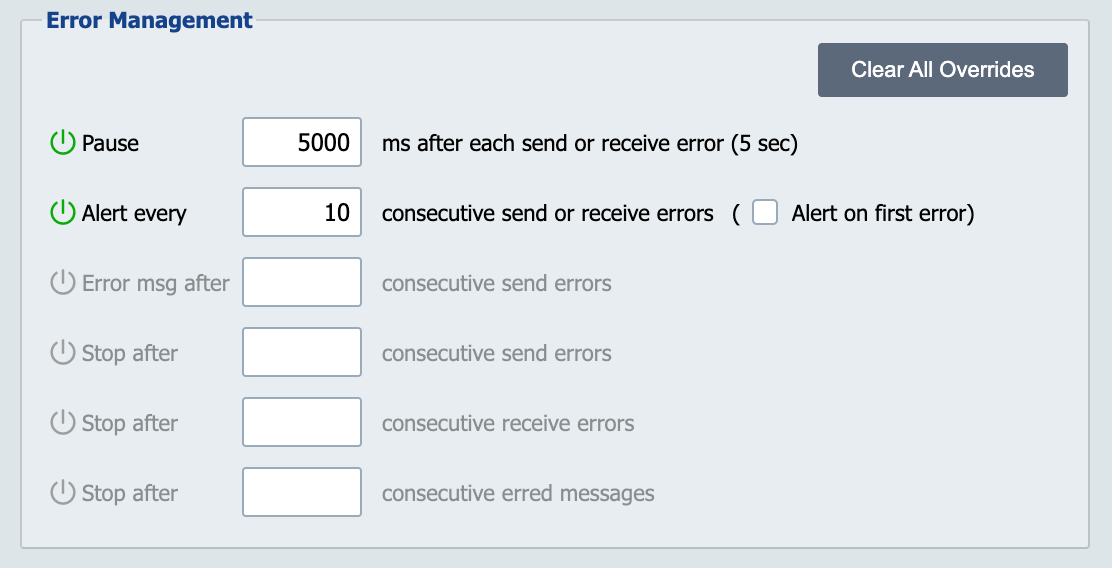
Error Management settings are used to manage how channels behave when an error occurs. The settings on this screen are defaults for all channels. If there are channels that require different settings, they can be modified at the channel level or destination level.
Clear All Overrides
Clicking on the Clear All Overrides button clears any modifications that have been made at the channel level.
Pause
This setting controls how long QIE pauses after encountering an error before checking for more messages to process.
Alert every
This setting controls how often QIE sends an alert when there is an error sending or receiving a message. The default is to send an alert for every tenth (10th) error. Disabling this setting disables alerts altogether.
Alert on first error
If the above setting is enabled, this setting determines whether the alert is sent on the first error. For example, if the above setting is ten (10), checking this box causes the alert to be sent on the 1st, 11th, 21st, etc. errors. If this box is not checked, the alert is sent on the 10th, 20th, 30th, etc. errors.
Error message after 'XX' consecutive send errors
Errs a single message after repeated send failures.
After a message has failed to send this many times, QIE moves that message to the error queue and continues processing the next message in the outbound queue. Each message tracks its own consecutive send error count. This setting governs when QIE gives up on an individual message, not when it gives up on the channel.
Leave the field blank (the default) to disable this behavior, in which case QIE keeps retrying the same message indefinitely until it sends successfully or the channel is stopped.
This value must be less than or equal to Stop after 'XX' consecutive send errors. Otherwise the channel would shut down before the message ever got moved to the error queue.
Stop after 'XX' consecutive send errors
Stops the channel after repeated send failures.
After this many consecutive send failures on the channel (regardless of which messages caused them), QIE stops the channel. Leave the field blank (the default) to disable this behavior, in which case the channel keeps attempting to send until it succeeds or is manually stopped.
Stop after 'XX' consecutive receive errors
If a value greater than zero is entered here, QIE keeps track of the number of consecutive errors that are encountered and stops the channel when the configured count is met. Disabling this setting (the default) leaves the channel attempting to connect and receive messages indefinitely. It continues until the operation succeeds or the channel is manually stopped.
Stop after 'XX' consecutive erred messages
If a value greater than zero is entered here, QIE keeps track of the number of consecutive erred messages that are encountered and stops the channel when the configured count is met. Disabling this setting (the default) leaves the channel processing messages no matter how many erred messages are encountered.
Error Management Form Base URL
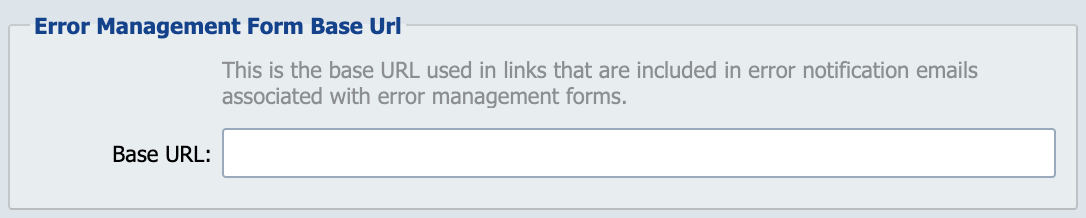
The URL prefix QIE uses when constructing links to the error-management form in alert emails. When a message errors and the channel is configured to email a notification, QIE appends a path and a message identifier to this value. The result is a clickable link that opens the error in the QIE admin console, signing the user in first if they are not already authenticated.
If left blank, QIE auto-detects the base URL from the local server hostname, port, and scheme; the dialog shows the auto-detected value as placeholder text. Override this when end users reach QIE through a different address than what QIE detects (e.g. when QIE sits behind a reverse proxy, a load balancer, or HTTPS termination that the application server is not aware of).
Enter a full URL including scheme, such as https://qie.example.com or http://qie-internal:8080. A trailing slash is allowed but not required.