Creating Custom Scripts
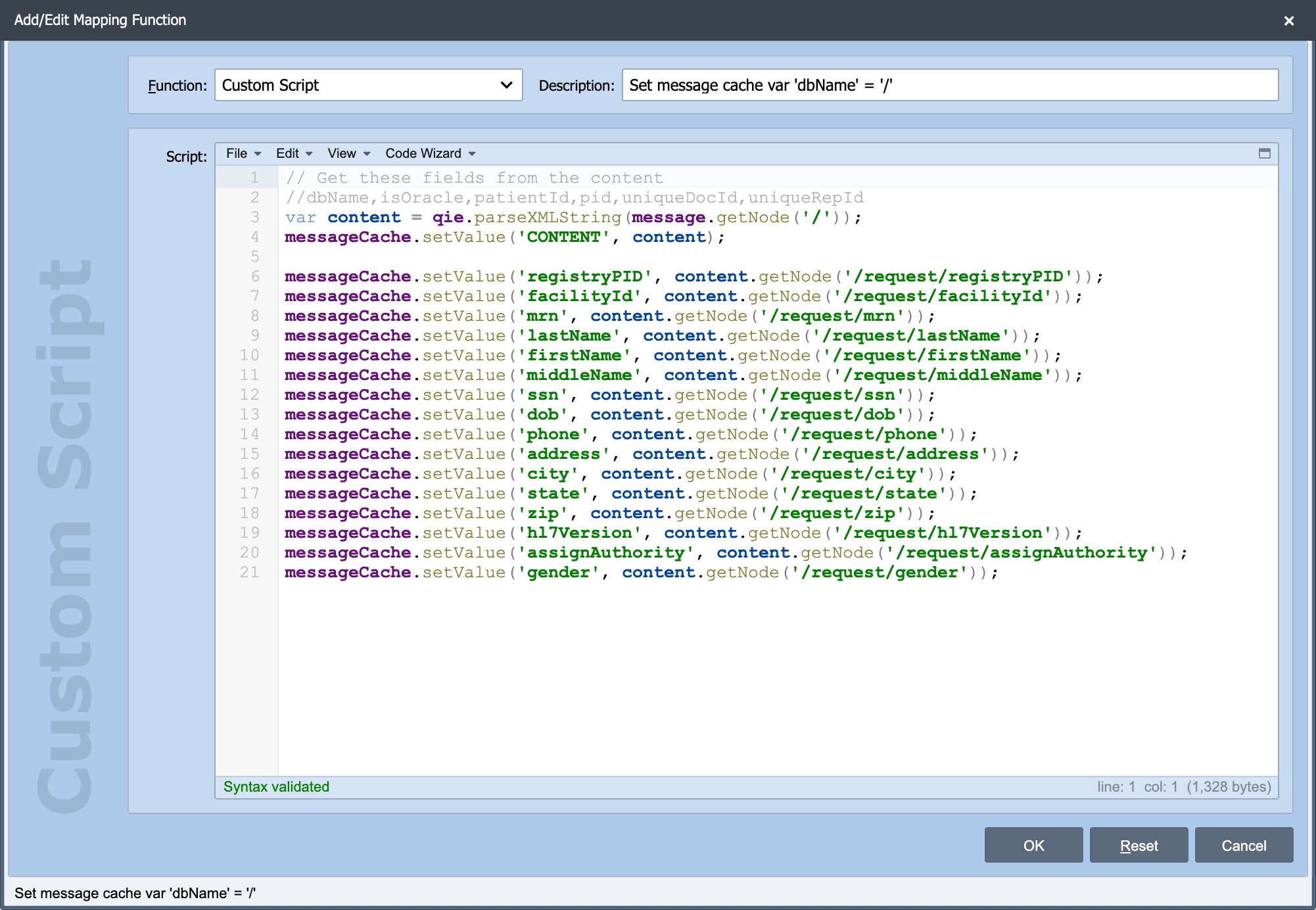
QIE's scripting environment is a JavaScript interpreter (Rhino) embedded in the engine. The bundled Rhino version is upgraded periodically across QIE releases; for the ECMAScript language features supported by a given Rhino release, see Mozilla's Rhino ECMAScript compatibility tables. Custom scripts run as part of message processing and have direct access to the message, channel caches, system variables, QIE utility functions, and any Java classes packaged with the engine.
You can write custom scripts in several places:
- Mapping nodes: transform message data.
- Condition nodes: evaluate true/false to route messages.
- Source receivers: Custom Script Receiver, source preprocessor, source response.
- Destination senders: Custom Script Sender, destination acknowledgement.
- Scheduled scripts: channel-lifecycle hooks (channel start, stop, connection, CRON-driven).
- Error handler, authentication, and form scripts: specialized one-off hooks.
To help write scripts, QIE provides the JavaScript Editor, Node Path and Node Tag syntax, and the Code Wizard. The Rhino engine can load external Java libraries so scripts can call third-party SDKs and APIs (see Manage External Libraries).
QIE's AI Companion can help you review and write custom scripts.
To access the custom scripting dialog, insert a new mapping function (or edit an existing one) and select Custom in the Function drop-down menu. Enter a Description (required) and select the expansion box at the top right corner to open the Java Script Editor.
Writing and editing scripts
The JavaScript Editor: the editing surface itself: menus, syntax highlighting, bracket matching, and the syntax validator that flags errors before you save.
Regex Evaluator: build and test a regular expression against sample text without leaving the editor.
Overriding Java Methods: calling a Java method from a script when the JavaScript and Java signatures collide.
Addressing message data
Node Paths: how a path locates a value inside a message, how paths resolve, and the Node Path Lookup Dialog for building one against a sample message. The syntax differs per message format:
Node Tags: the {...} placeholders that substitute message values, system values, and source metadata into a field without writing a script.
Working with dates
Date Functions in Scripts: the accepted dateUnit values, qie.getSystemDate(), and qie.isDateWithin().