System Configuration
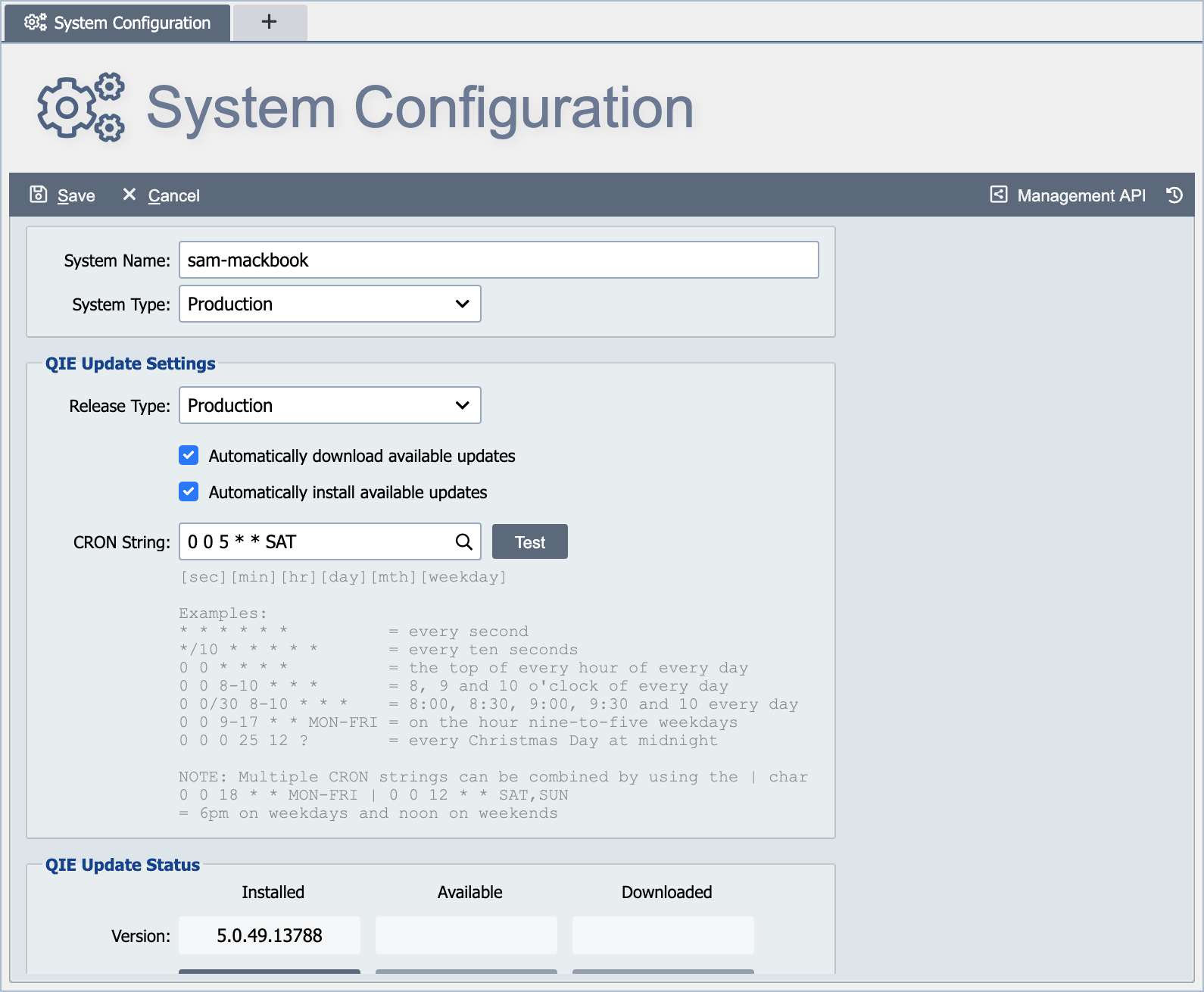
The System Configuration allows a system administrator to configure system-level settings. There are 2 levels of settings on the system configuration. Basic settings display when the System Configuration is first opened. Advanced Settings are displayed when the Show Advanced Settings button is selected at the bottom of the Basic setting page.
System Name
The system name is displayed in the window title area and is used to identify the QIE instance (test, staging, live, etc.).
System Type
Select either Test or Production from the drop-down.
Note
The System Configuration page cannot be opened until a license is installed. On a new installation, set the System Name and System Type in the License dialog instead.
The settings on this page
| Setting group | What it covers |
|---|---|
| Audit and Access Logging | What QIE writes to qie.log and access.log, and which events raise admin alerts. |
| QIE Update Settings | Release type, the automatic-update schedule, and the current update status. |
| Email Settings | The outgoing SMTP server every alert depends on, plus daily count emails. |
| System Configuration Nightly Backup | The nightly export of the configuration database, how many are kept, and where they go. |
| External Libraries | Adding third-party JARs so scripts can call them. |
| Message Retention Policy | How long messages, errors, and the system log are kept. |
| Advanced System Settings | Proxies, thread pools, optional modules, and the rest of the Advanced panel. |
| Shared Cache Settings | Where shared cache values are stored, and the HA consequences. |
| Status Log Limit | How many log messages a log panel loads at once. |