Change Case
Change Case rewrites a value in upper, lower, or proper case. Reach for it when a receiving system is case-sensitive about something the sending system is not, such as surnames arriving as SMITH that need to be Smith, or a code that a downstream lookup only matches in upper case.
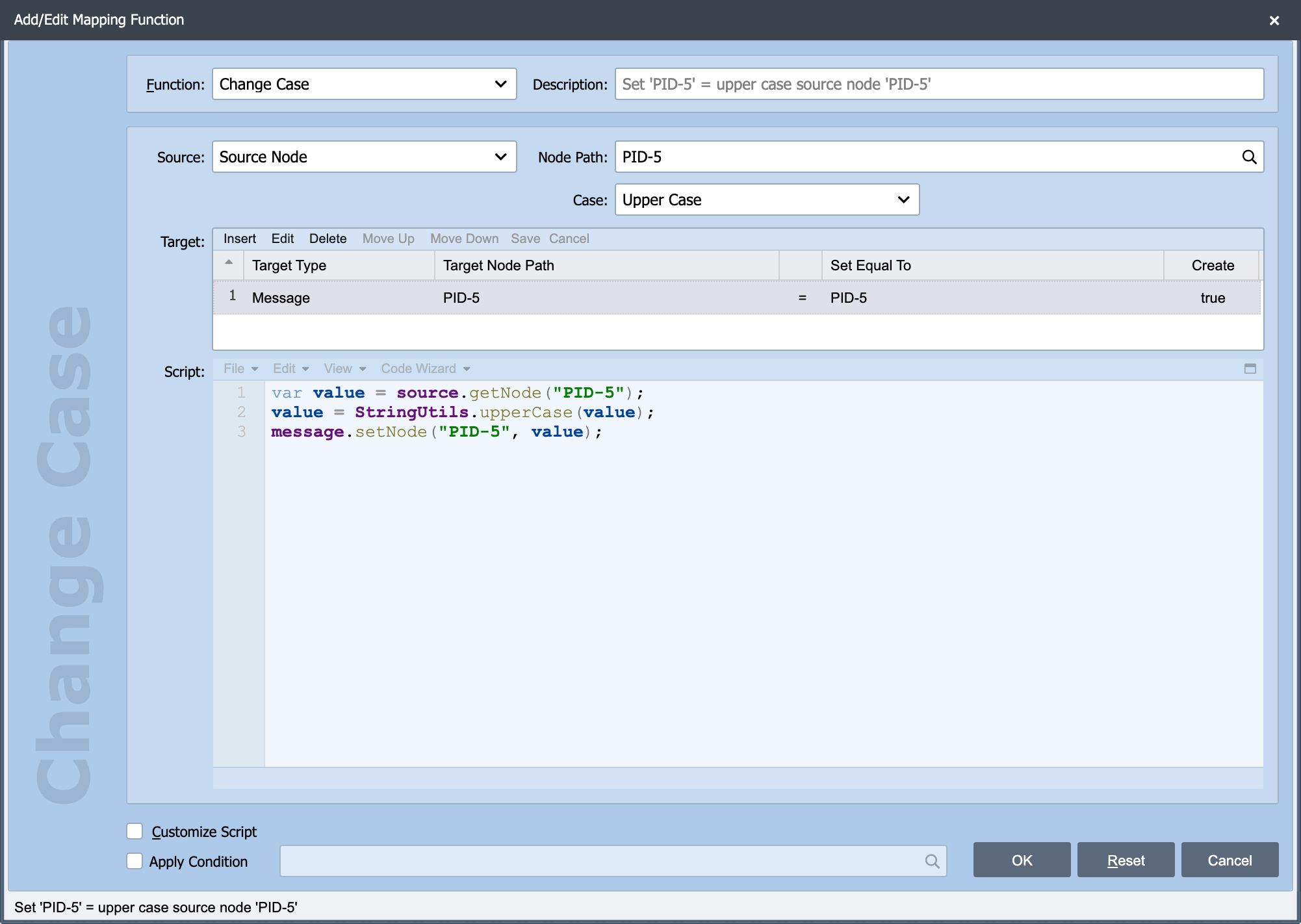
Change Case is one of the built-in mapping functions on the Add/Edit Mapping Function dialog. The Source, Node Path, Target, Apply Condition and Customize Script settings behave the same way for every function. See Working with Mapping Functions for those. Only the setting specific to Change Case is described here.
Case
Case: A drop-down with three options.
| Option | Result |
|---|---|
| Upper Case | Every letter becomes upper case: Smith becomes SMITH. |
| Lower Case | Every letter becomes lower case: Smith becomes smith. |
| Proper Case | The first letter of each word becomes upper case and the rest lower case: JOHN SMITH becomes John Smith. |
The generated script
Each option generates one line of JavaScript, which is worth knowing because it tells you exactly how the conversion behaves and it is the starting point if you check Customize Script:
value = StringUtils.upperCase(value);
value = StringUtils.lowerCase(value);
value = qie.toProperCase(value);
Proper Case is destructive, and only splits on spaces
Proper Case lower-cases the whole value first and then capitalizes the letter after each space. Two consequences catch people out:
- Internal capitals are lost.
McDonaldbecomesMcdonaldandMacLeodbecomesMacleod. Running Proper Case over a name that was already correctly cased makes it wrong. - Hyphens and apostrophes are not word boundaries.
MARY-JANEbecomesMary-janeandO'BRIENbecomesO'brien.
For patient names in particular, consider whether the value needs changing at all. Where a receiving system genuinely requires proper case, check Customize Script and handle the exceptions, or map the known cases through a Table Lookup.